
How to Use PipedrivePlus
Installation Instructions
To install the PipedrivePlus app, follow these steps:
- Follow the installation link or search for the app in the marketplace.
- Install the app.

Prerequisites
- A valid monday.com account.
- Basic understanding of how to navigate and use monday.com.
- A valid Pipedrive account.
Please ensure you meet these prerequisites before proceeding with the installation of the PipedrivePlus app.
First Time Use Instructions
To get started with the PipedrivePlus app, follow these steps:
- Install the app from the monday.com marketplace.
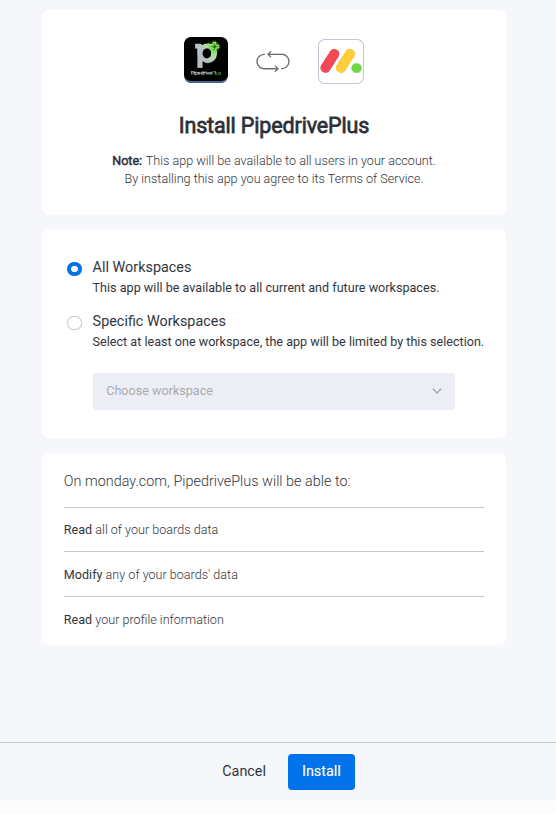
- Start new workflow and add PipedrivePlus trigger. You can find the trigger by searching for it in the triggers section.
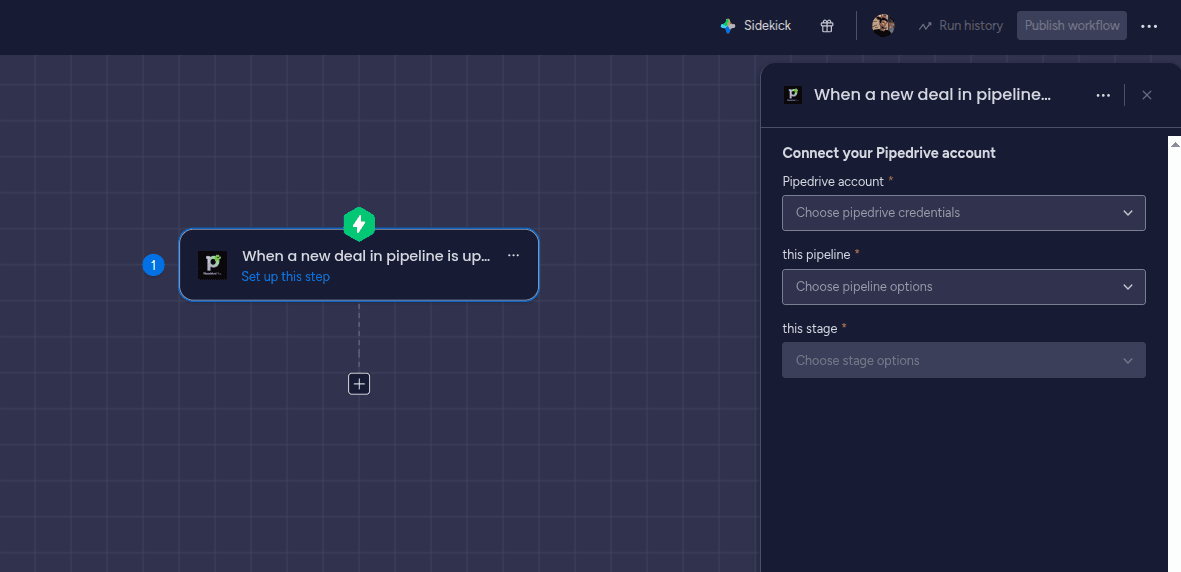
- Configure the trigger with your account, pipeline and stage. You will be asked to authorize the app and connect your Pipedrive account if you haven t done it already.
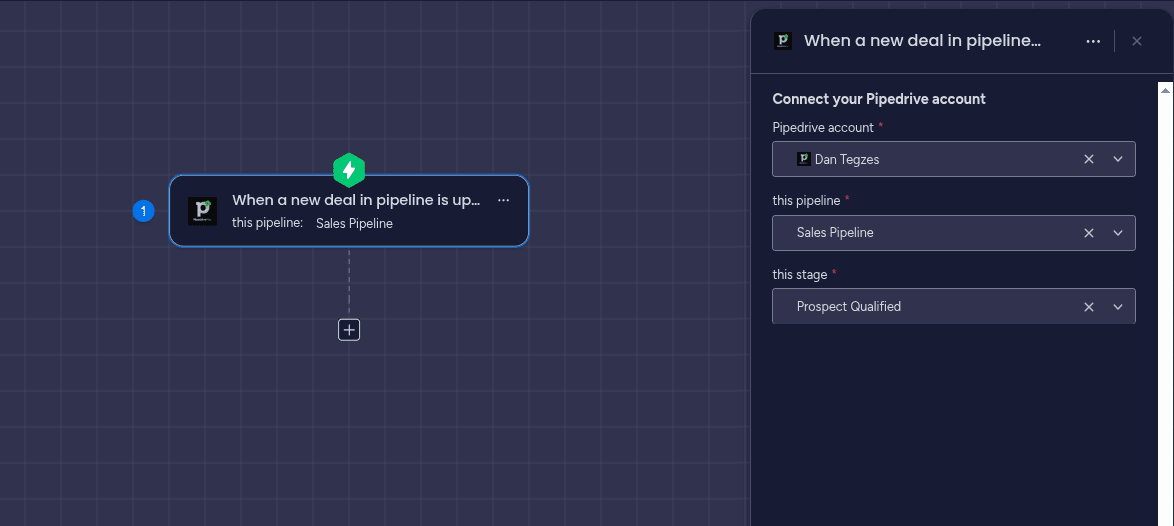
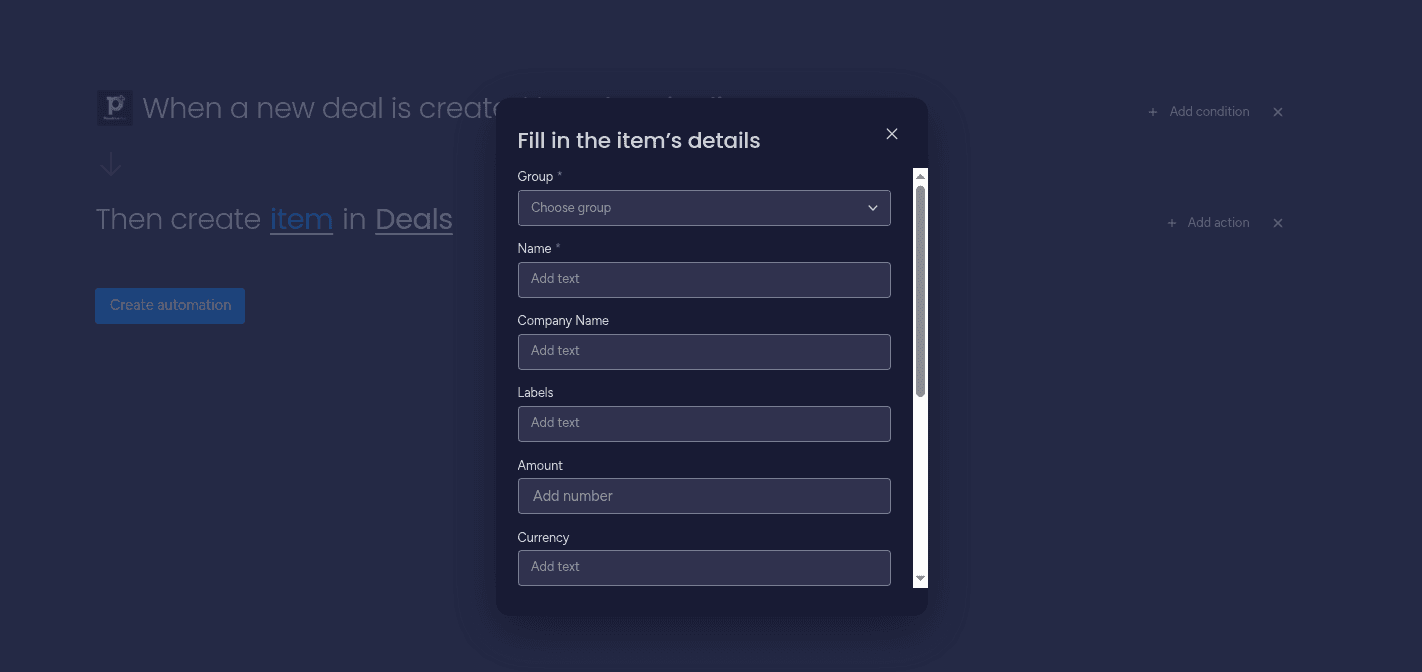
- After you configured the trigger, you can add the action to your workflow. You can find the action by searching for it in the actions section. Once you add the action, you will have to choose a board and also choose the Pipedrive fields from the trigger.
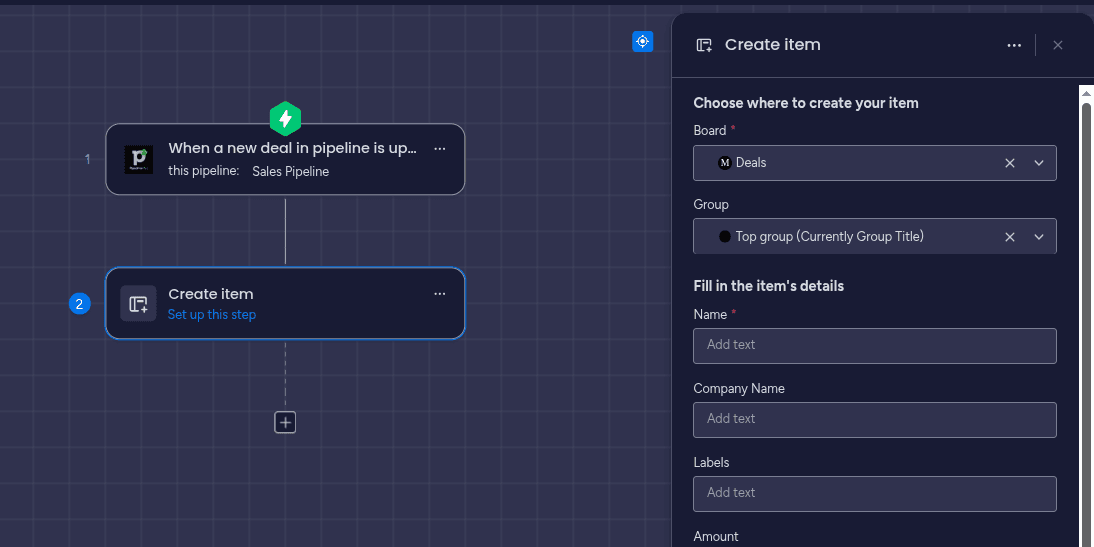
- After you choose the board, you can map the columns with the Pipedrive specific fields. The values from these fields will be used when creating your items.
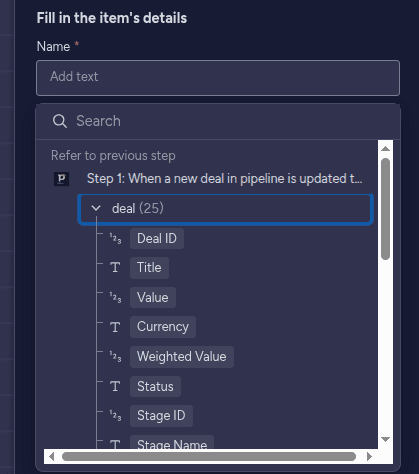
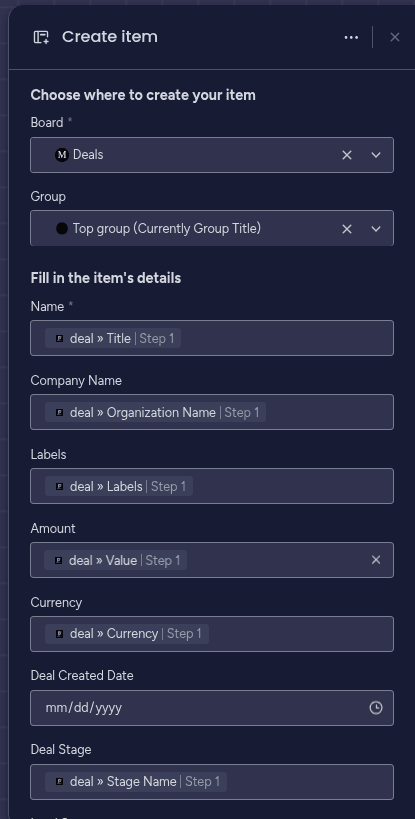
- Adding the PipedrivePlus in your automations. First step is to navigate to the Automations section in a board, and choose to create a new automation from scratch. Then, you can choose the PipedrivePlus trigger and action to add it to your automation.
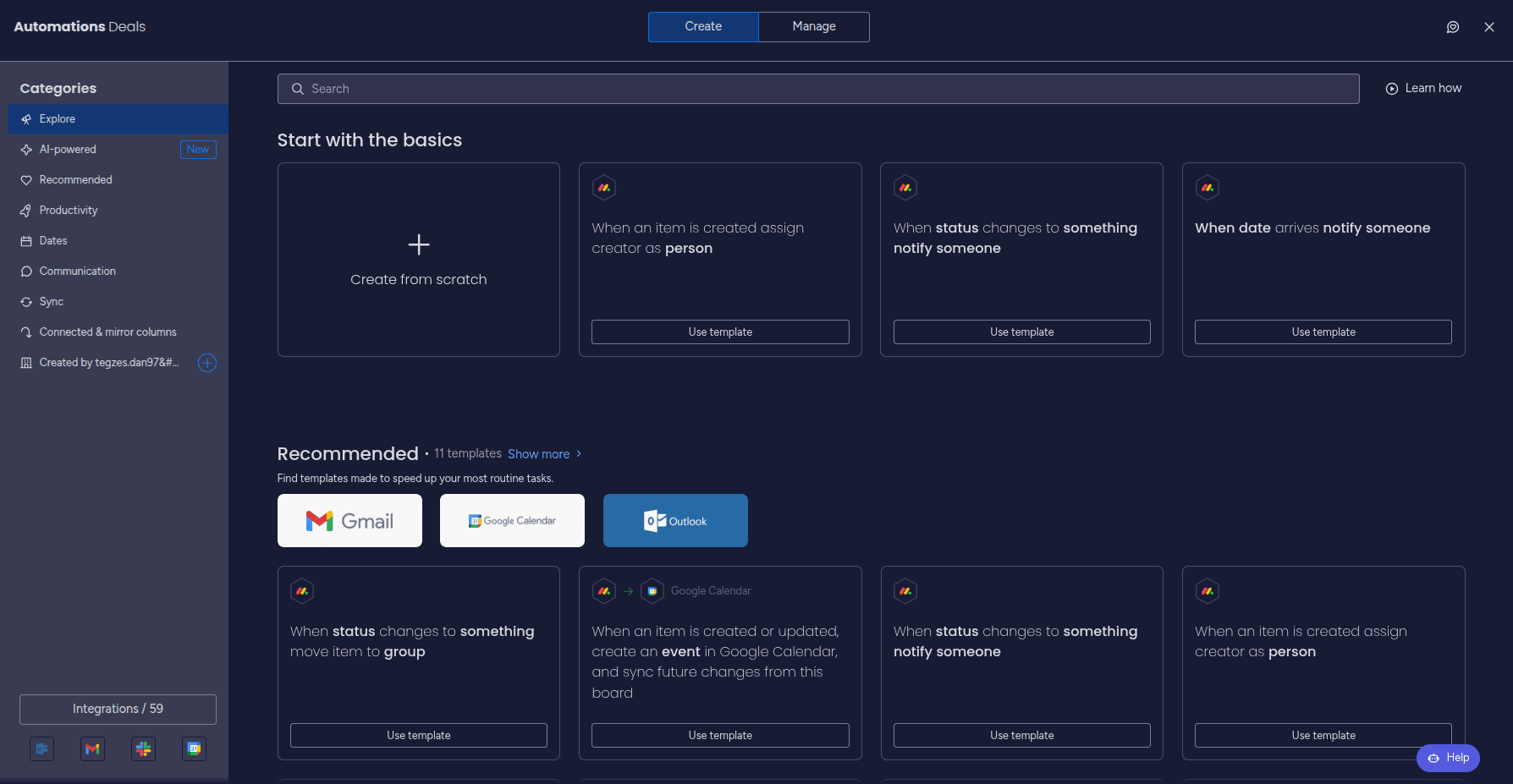
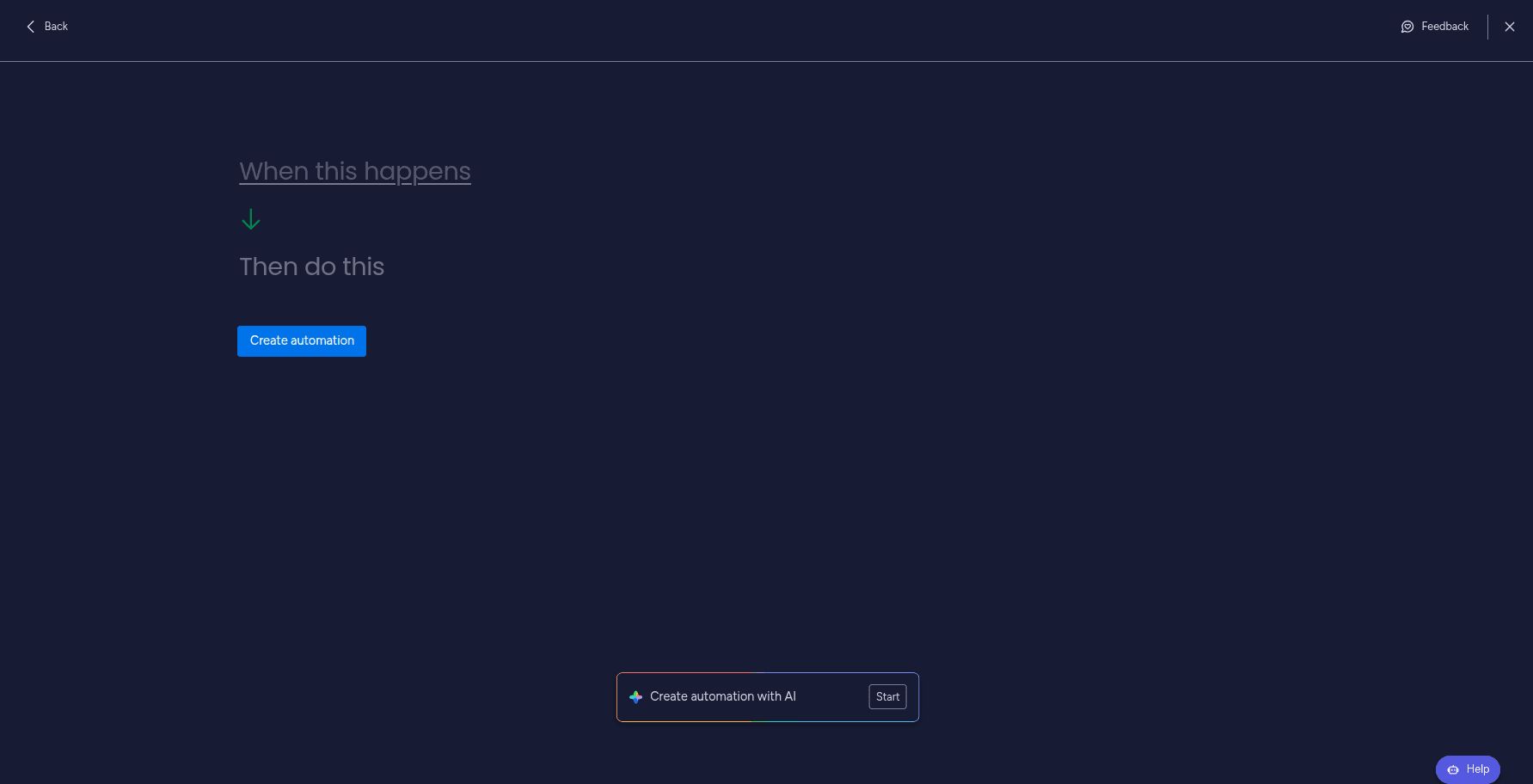
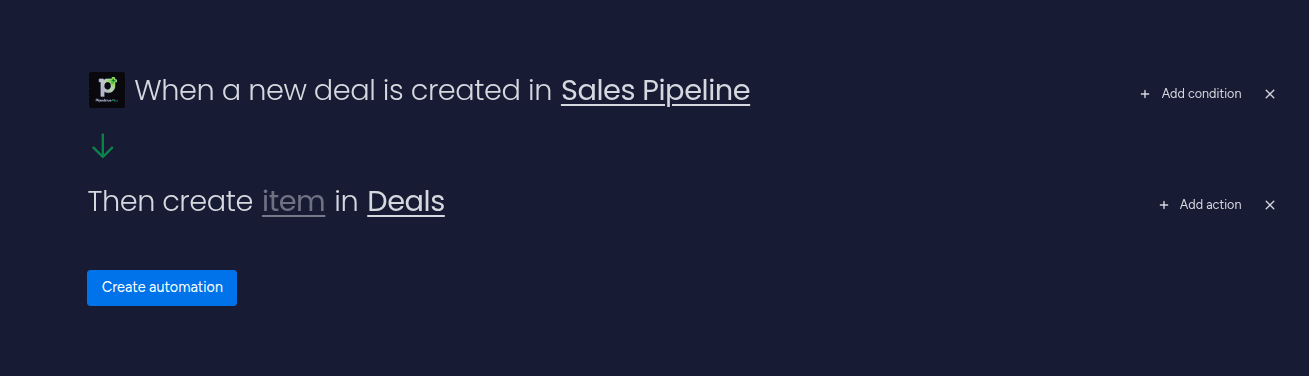
Now add the trigger and action from PipedrivePlus to your automation, and configure them as explained in the previous steps. Choose the Pipedrive account and pipeline. Then configure the action by choosing the board where you want to create items, and mapping the fields with the values from the trigger. After you finish configuring the automation, click "Create automation". 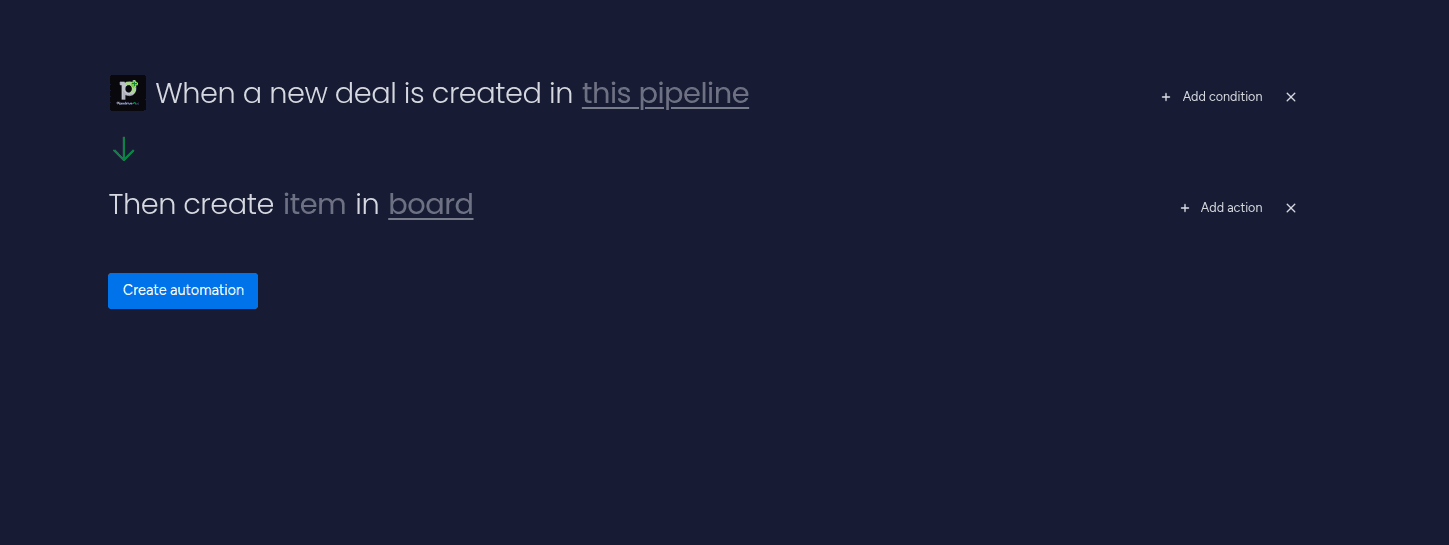
If you encounter any issues, please refer to the support section for assistance.